

AI Design Sprint®: Copilot
Instead of a broad, generic Copilot training — it’s a focused approach on the one use case that creates real day-to-day value.
Our introduction video provides an overview of this module.
Employees have Copilot — but use it only for basic tasks, the deeper potential stays untouched. And when it's time to allocate Pro licences, there's no structured way to know who truly needs one.
The challenge
What is Microsoft Copilot?
Microsoft Copilot is an AI assistant built into Microsoft 365 — available directly in the tools employees already use, such as Word, Excel, Outlook, Teams, and more.
Learning & Development teams responsible for driving Copilot adoption across the organisation.
IT & Procurement teams deciding which employees should receive a Copilot Pro licence — and need evidence to make that call wisely.
Transformation team that sees employee Copilot adoption as the obvious starting point for AI adoption of the organisation.
Who is this for?
Focused learning, not information overload
Most Copilot training covers everything — all features, all prompting techniques. Instead, why not focus on the one use case that is most valuable to each employee and have them master that? That is exactly what we do.
Why AI Design Sprint®: Copilot?
The employee is in the driver's seat
No top-down mandates. Even without prior Copilot knowledge, employees identify — for themselves — where Copilot adds the most value to their work. This ownership is what drives lasting behaviour change.
A data-driven tool for licence decisions
The AI Design Sprint®: Copilot surfaces which employees have high-value Copilot use cases and which do not — giving IT and Procurement a structured, evidence-based foundation for Pro licence allocation.
Built to scale
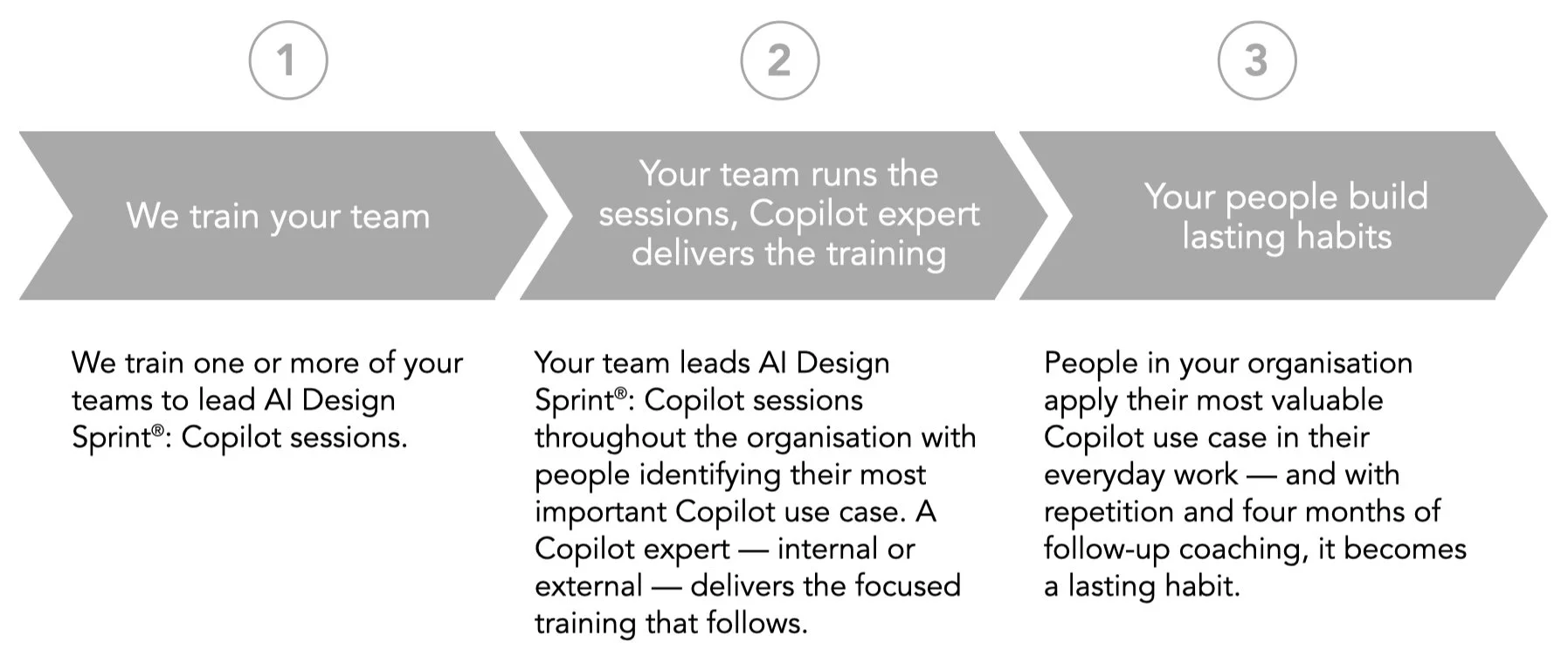
After the initial rollout, your internal teams are trained to deliver the methodology themselves — no ongoing dependency on external facilitators. Annual Refresher Training keeps them current as Copilot evolves.
How to get started
Run a pilot with one of your teams. See the methodology in action, measure the results firsthand — then scale with confidence.

How it works
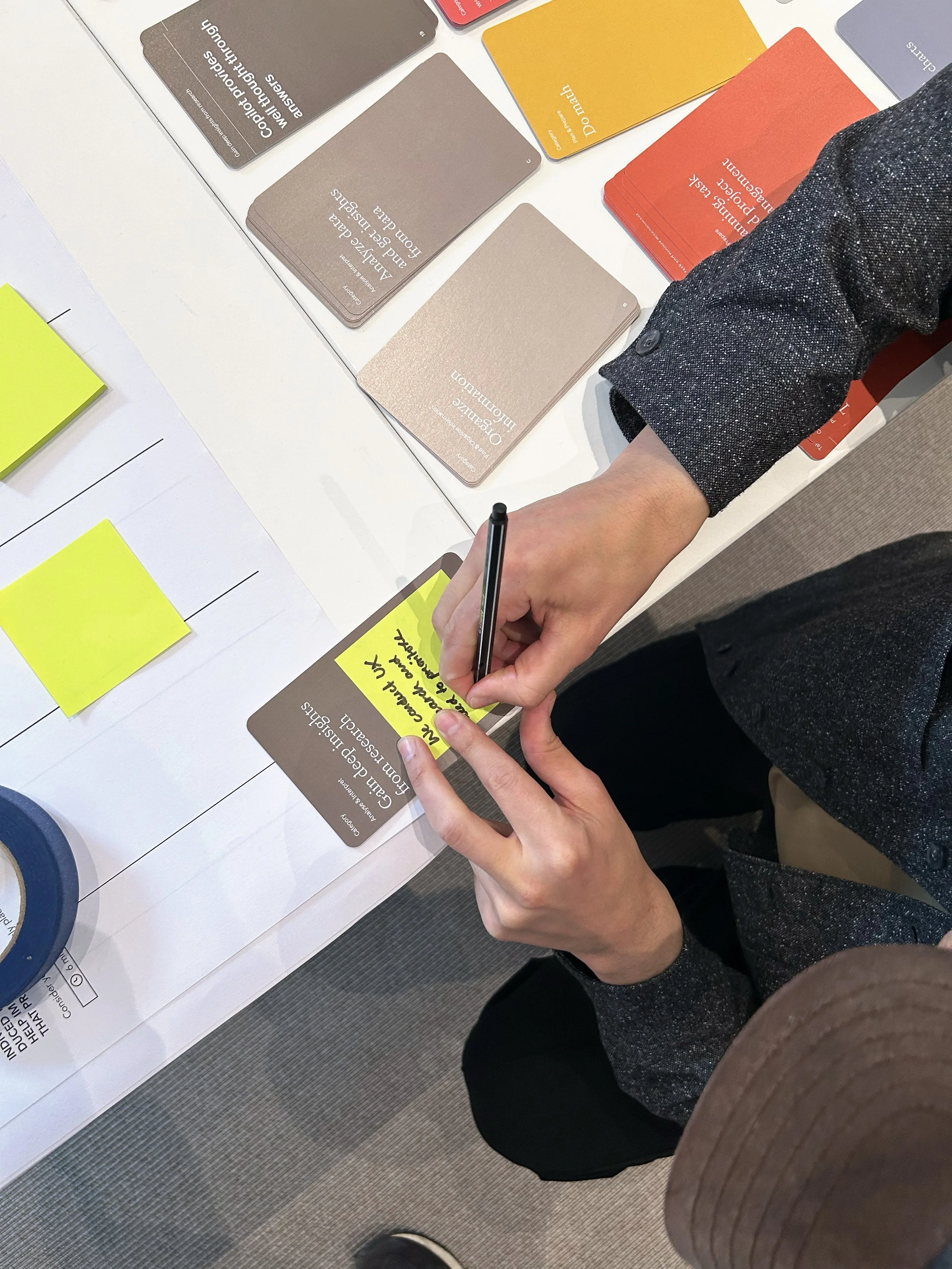
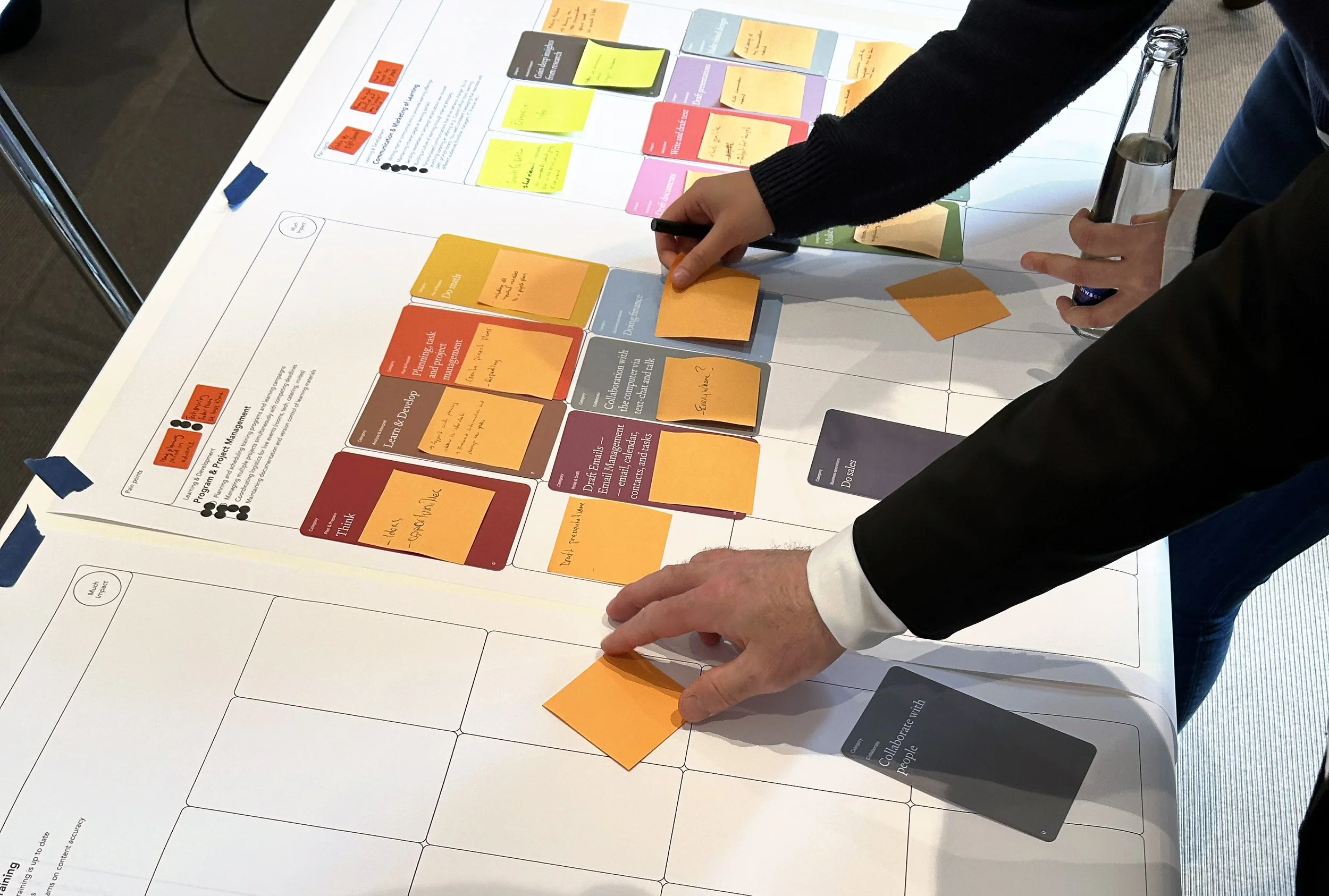
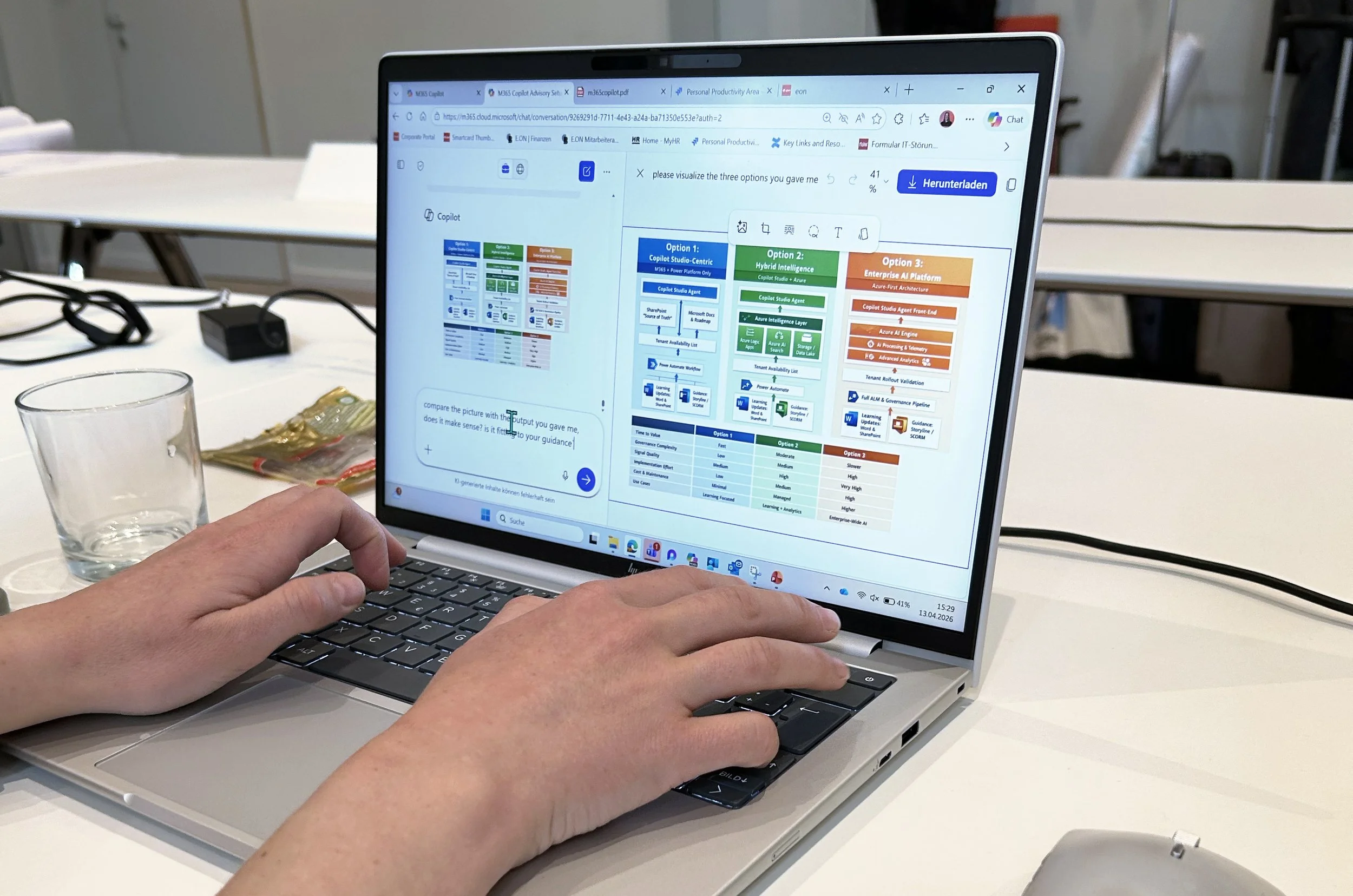
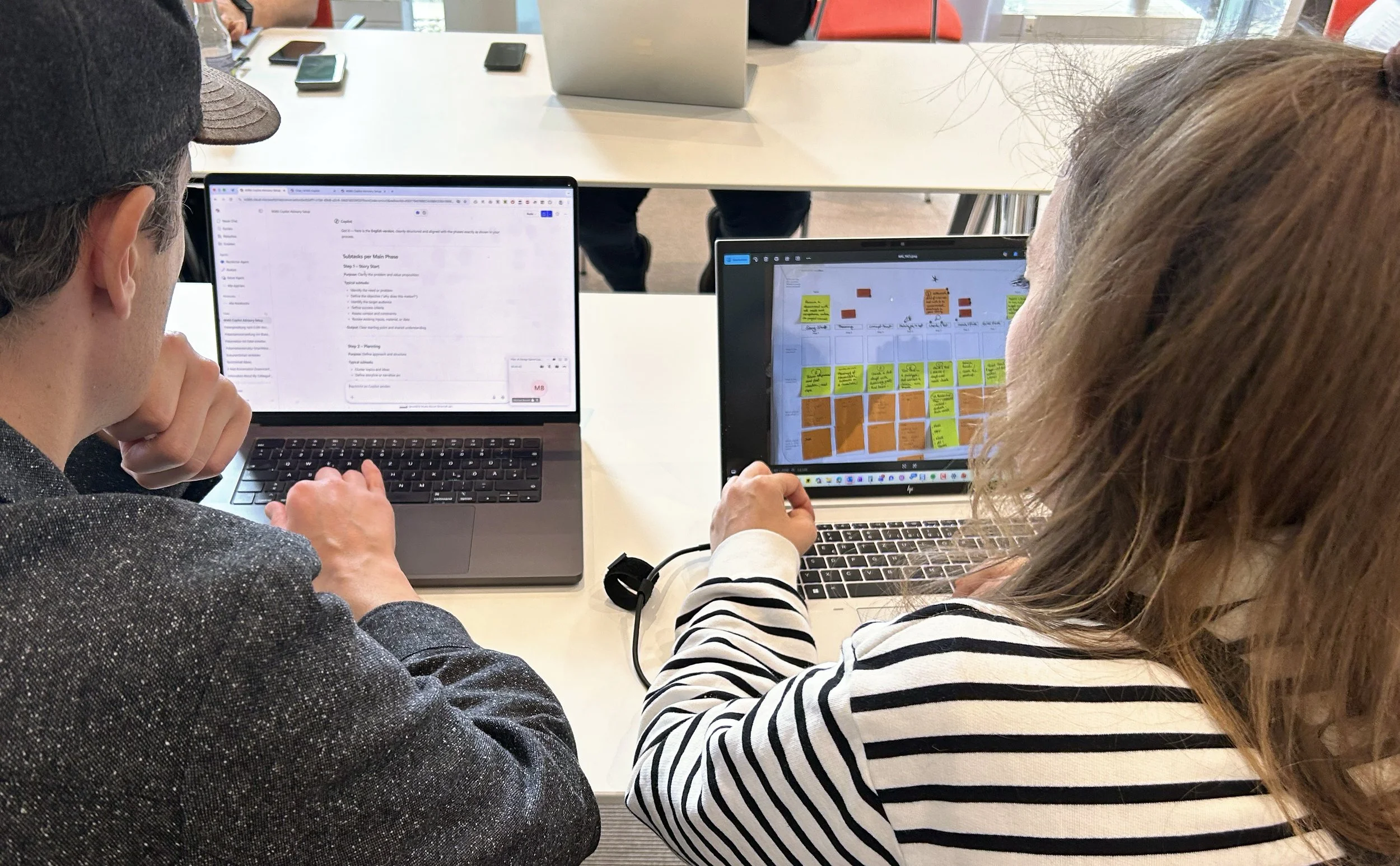
The training day at a glance
The session runs 8 hours onsite, facilitated by three trainers. Up to 15 participants of one role work in small groups of 2–3 people.
Morning — Discover phase — identifying the most valuable Copilot use case
In the high-level phase, all tasks are mapped out in preparation for the session. Each group then prioritises tasks for Copilot use by considering pain points, value creation, and potential impact — and selects one workflow as their focus area.
In the on-the-ground phase, each group maps their chosen workflow in detail. Using the same criteria, they define their most valuable Copilot use case within that workflow.
By noon, every participant has a concrete, personalised Copilot use case, which the groups briefly share with each other.
Afternoon — Apply phase — focused technical training
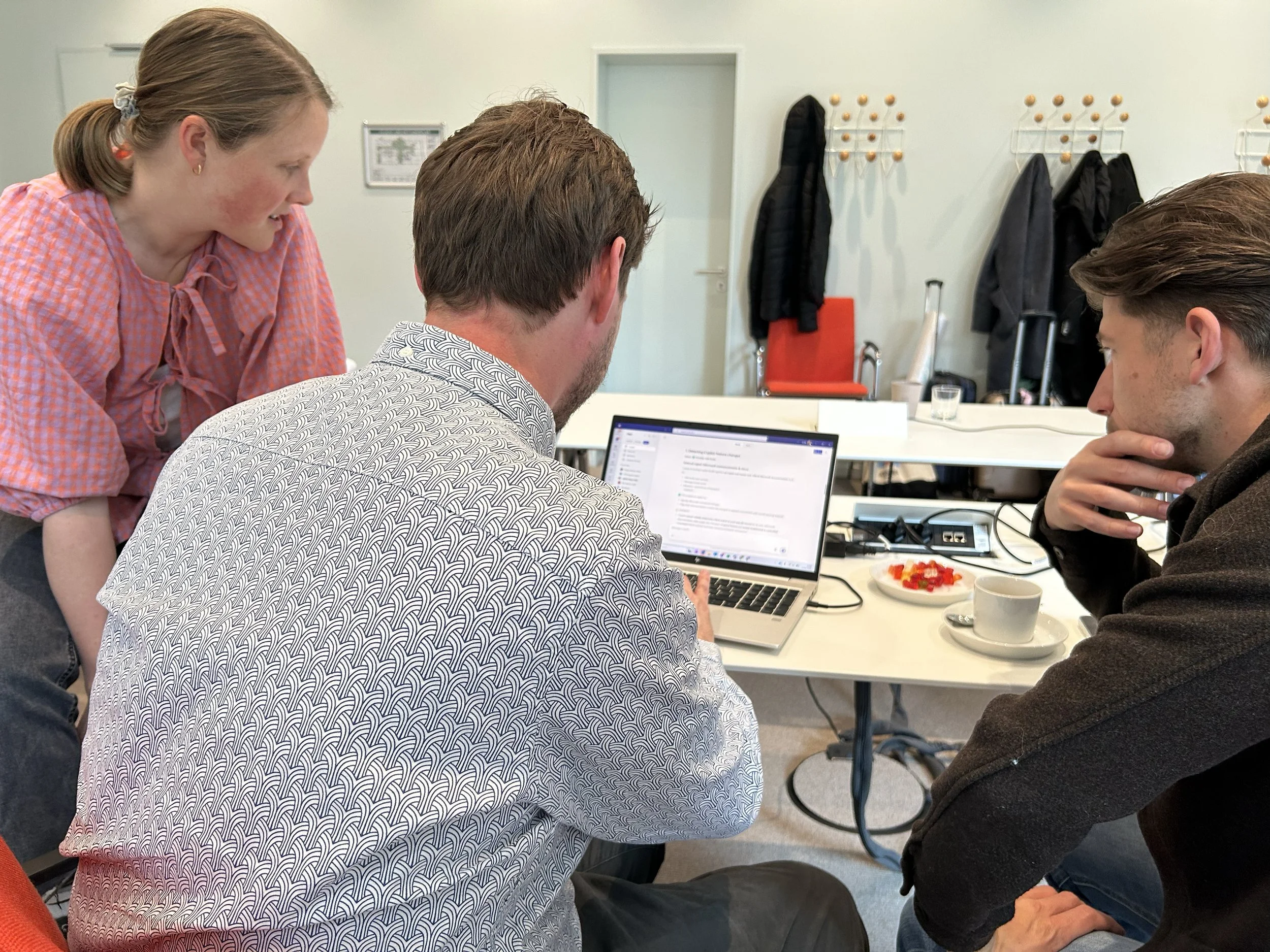
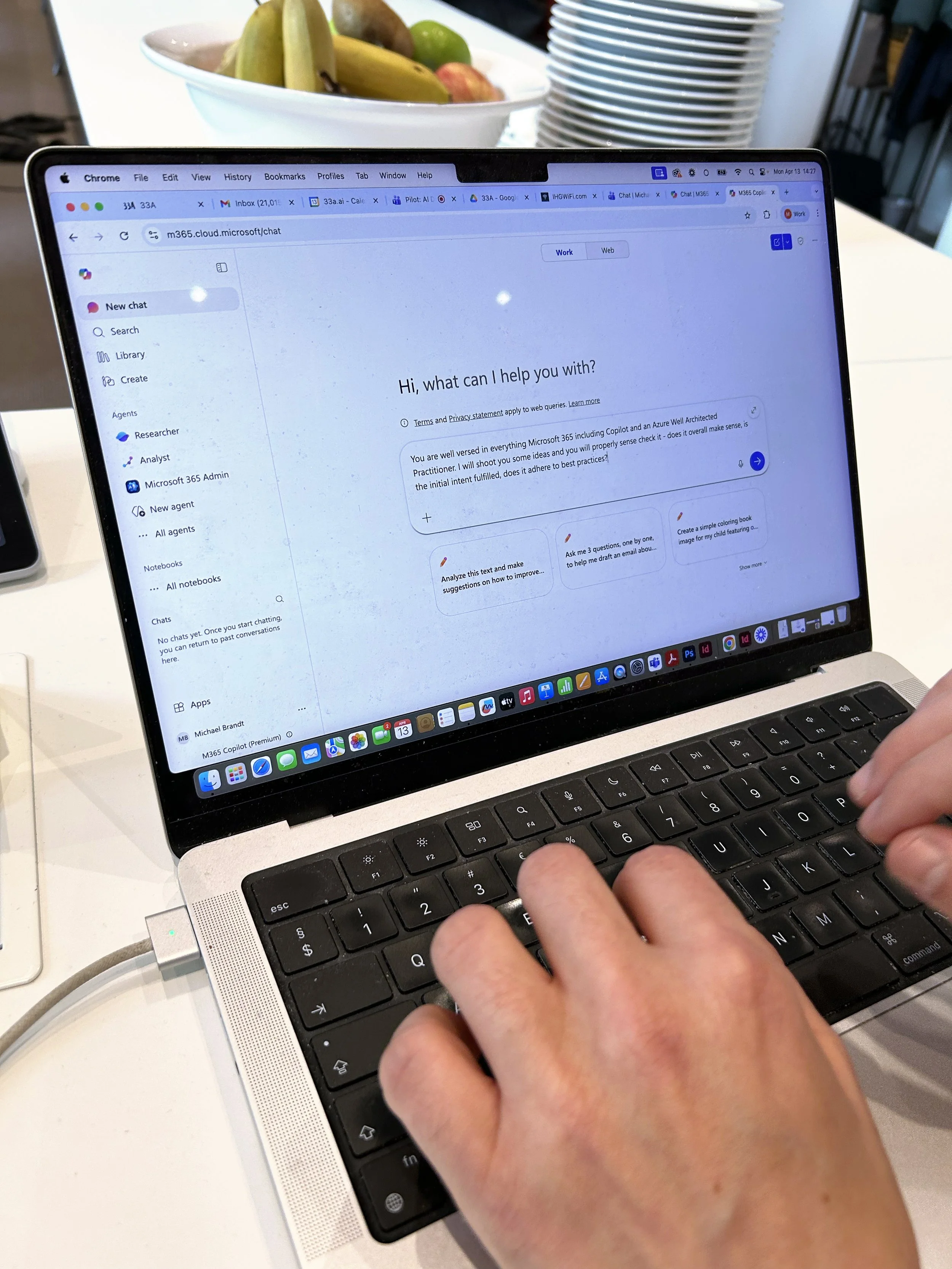
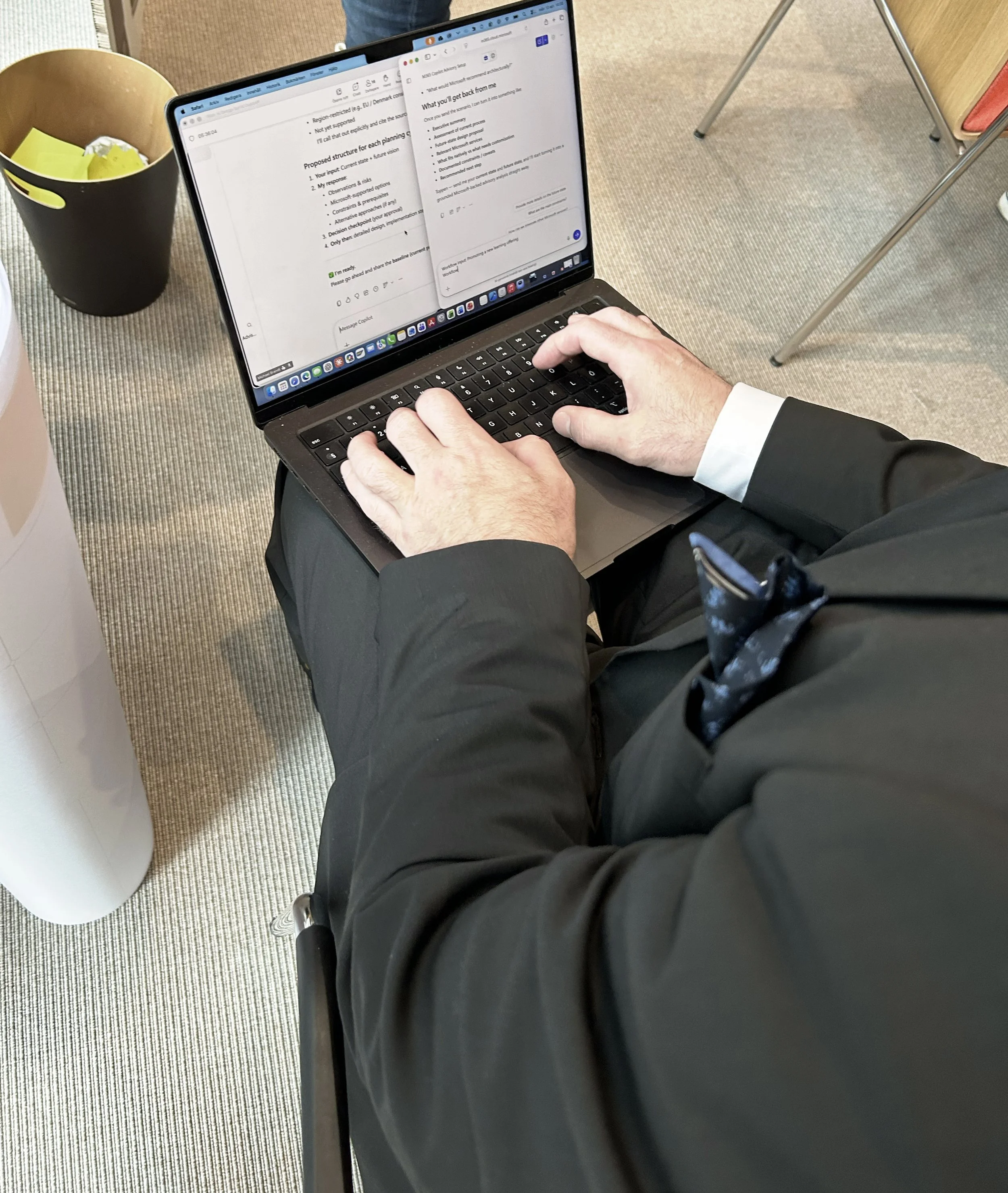
The technical training is hands-on. Groups continue working together, each on their own Copilot use case — everyone on their laptop. They prompt Copilot with their use case, and Copilot recommends a set of tools and a workflow. The group works through that workflow step by step. By the end of the day, each group presents their use case in Copilot.
What the technical training actually looks like
The technical training is led by Mohammed Brückner, former Senior Strategic Account Technologist at Microsoft, or an equal trainer. When your internal team takes over, a person with a technical background and solid Copilot knowledge steps into this role.
The trainer guides each group through prompting Copilot with their specific use case and coaches each group individually as they work through their use case hands-on. In the end, the groups present their use case in Copilot — their prototype.
What happens in the 4 monthly follow-up sessions
The purpose of the follow-ups is to go from use to habit.
Four times in the first four months, we follow up with each team. They share how they have been using their Copilot use case in their day-to-day work, demonstrate it in action, and bring any questions or challenges that have come up. We are there to support, unblock, and keep the momentum going.
Think of us as a coach — not only there during training, but right there when they are live in the game.
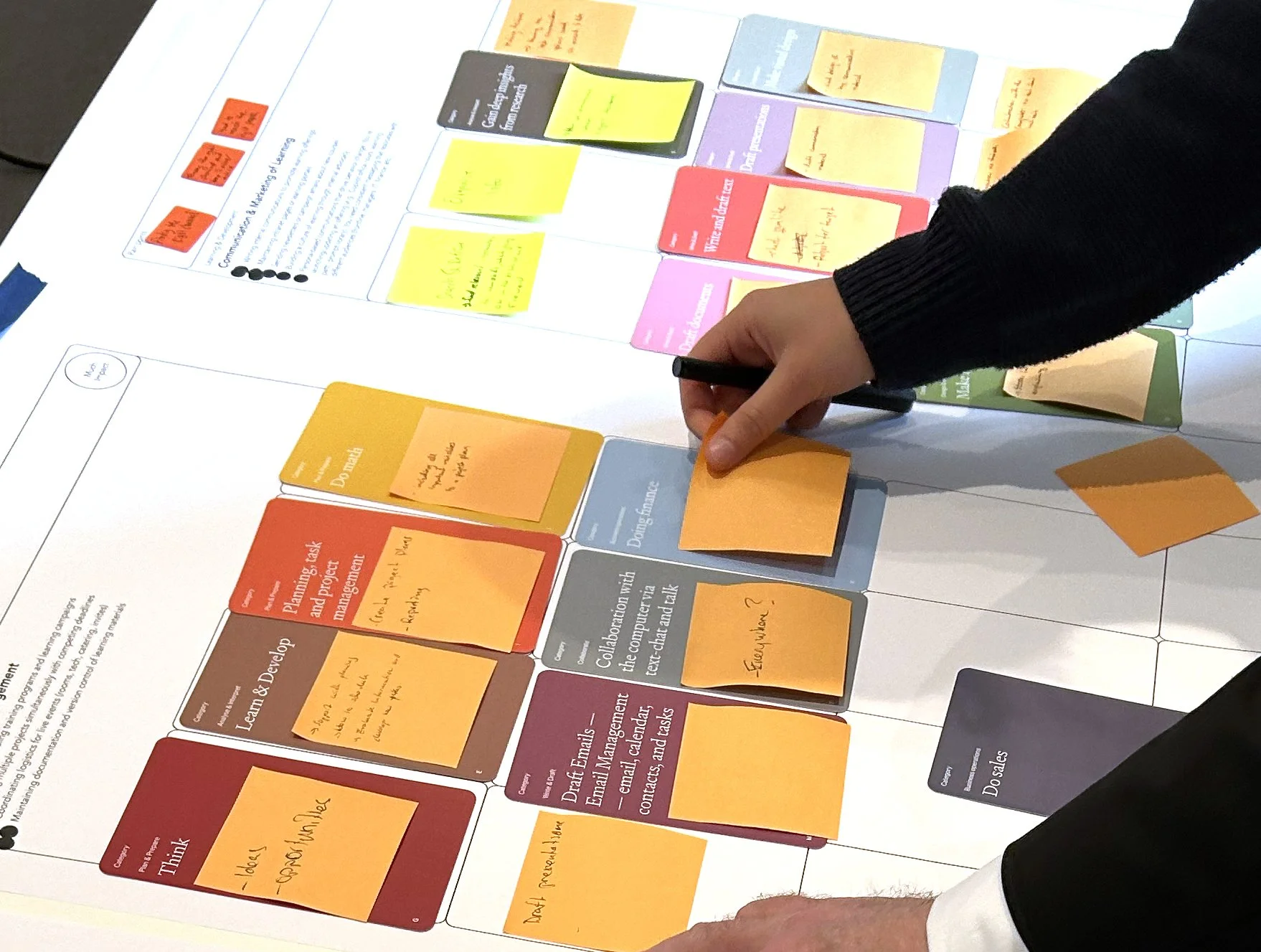
Copilot Cards are a proprietary 33A tool that makes Microsoft Copilot accessible to anyone — regardless of technical background. If you know our AI Cards®, we applied the same principles to create the Copilot Cards. Every Copilot capability is organised into categories written from the user's perspective, not the tool's. Each card states a specific Copilot capability; flip it over and you'll find a real work scenario and the specific Copilot tool that delivers the capability.
The Copilot Cards
This allows any employee to browse what Copilot can do, identify what's most relevant to their role, and walk away with their own use case — no prior Copilot knowledge needed. Cards are available in physical form for onsite sessions and digitally for remote delivery.
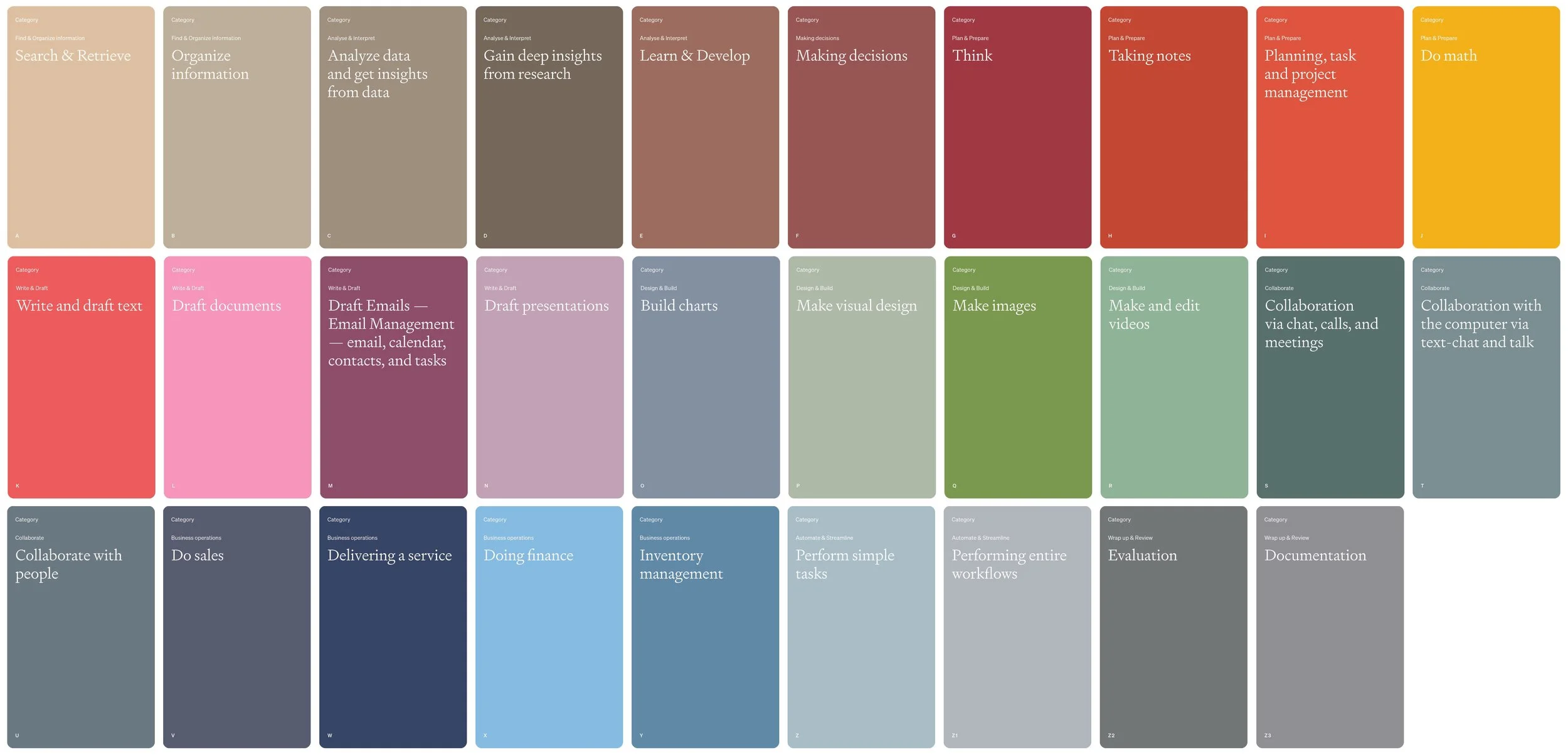
Overview of Copilot Category Cards
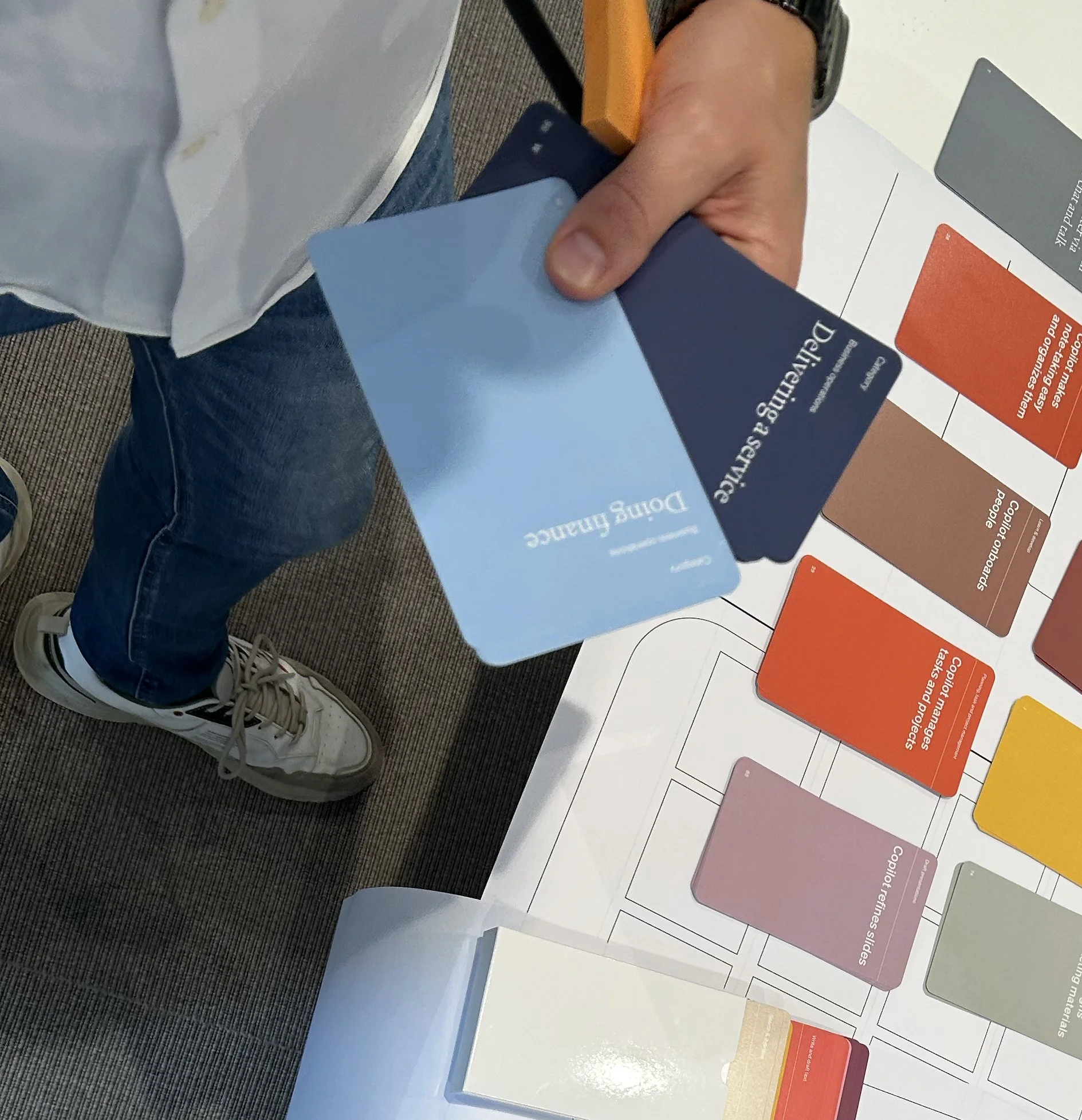
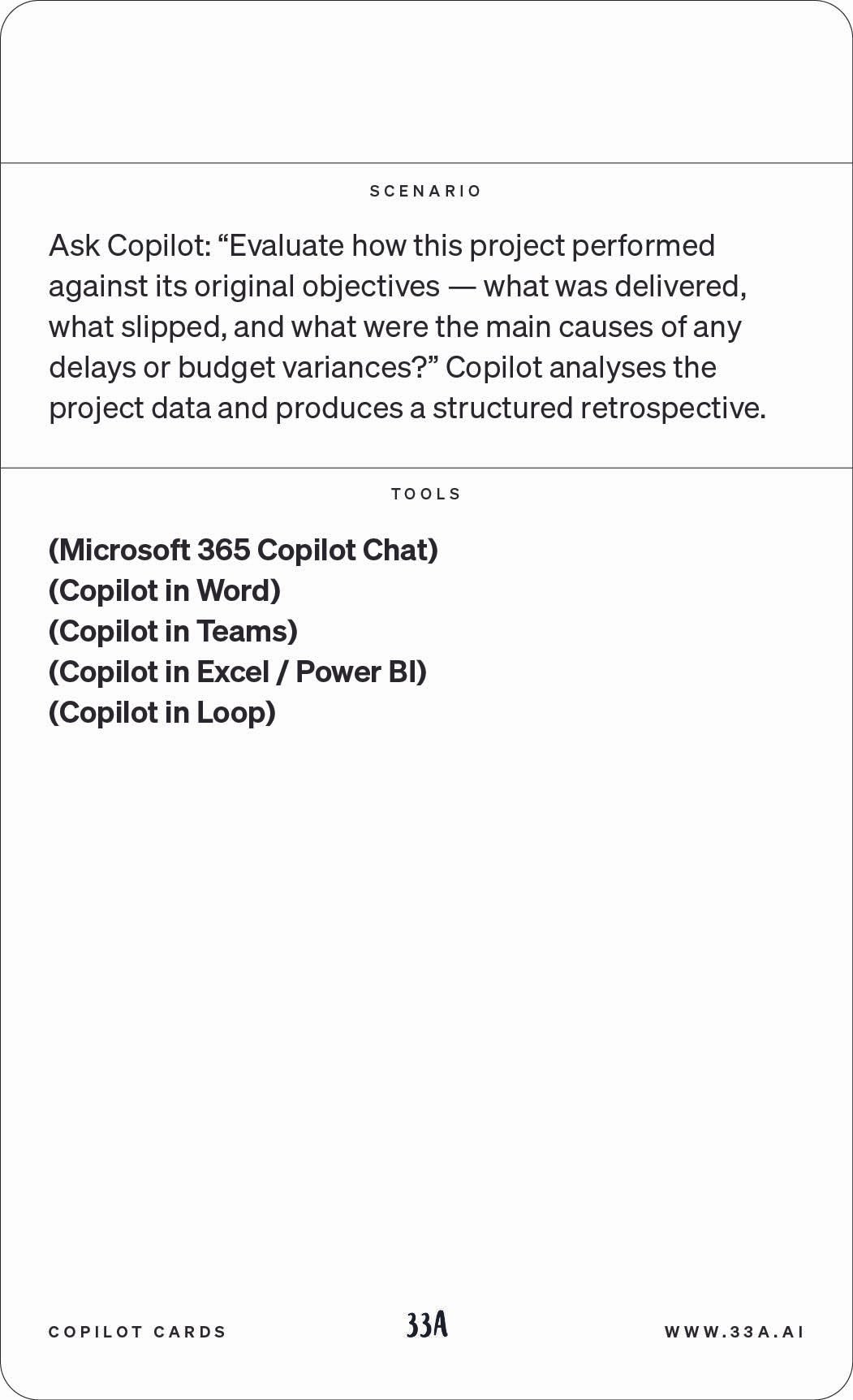
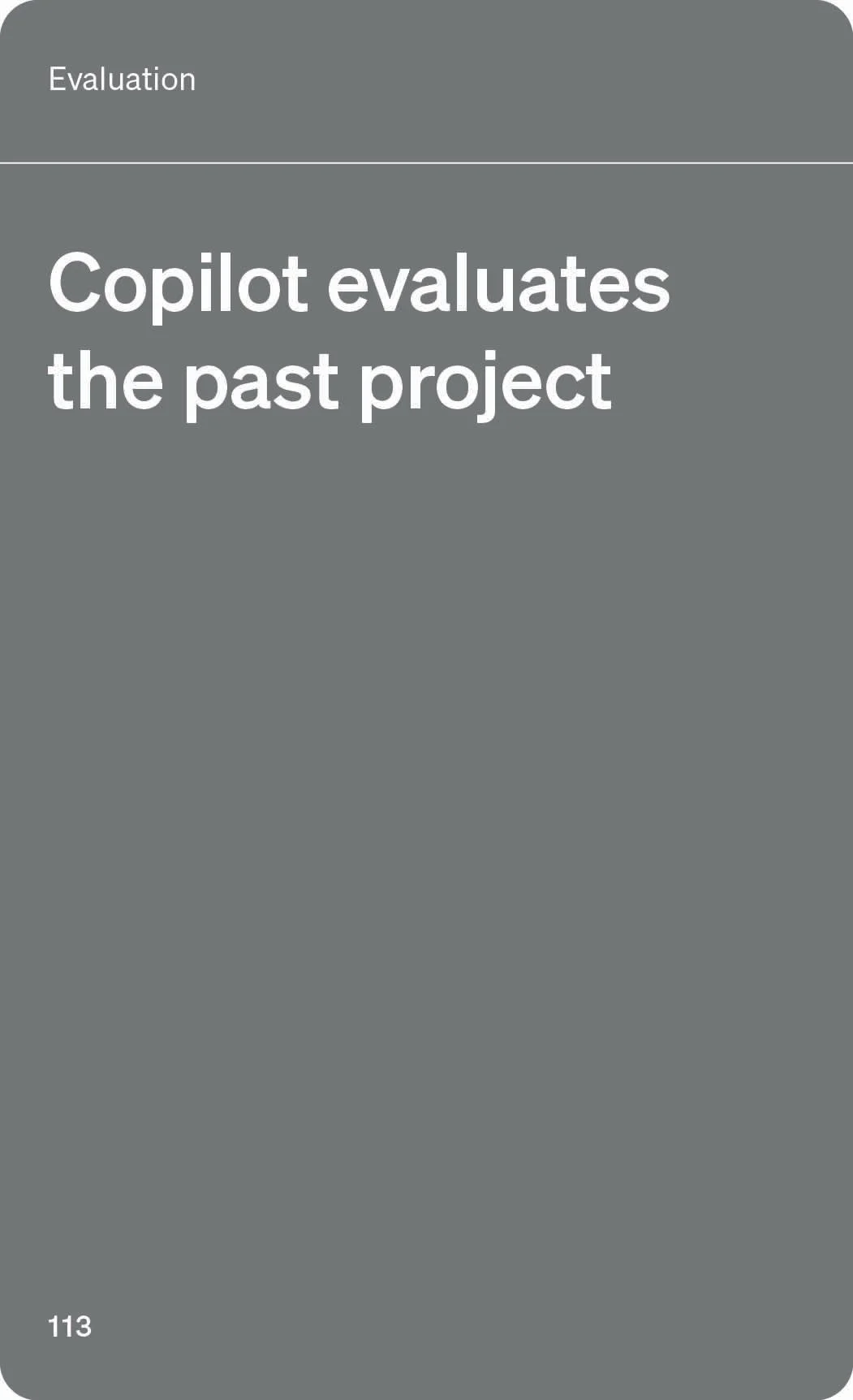
Example of the Copilot Cards (front and back)
The Collaboration Board
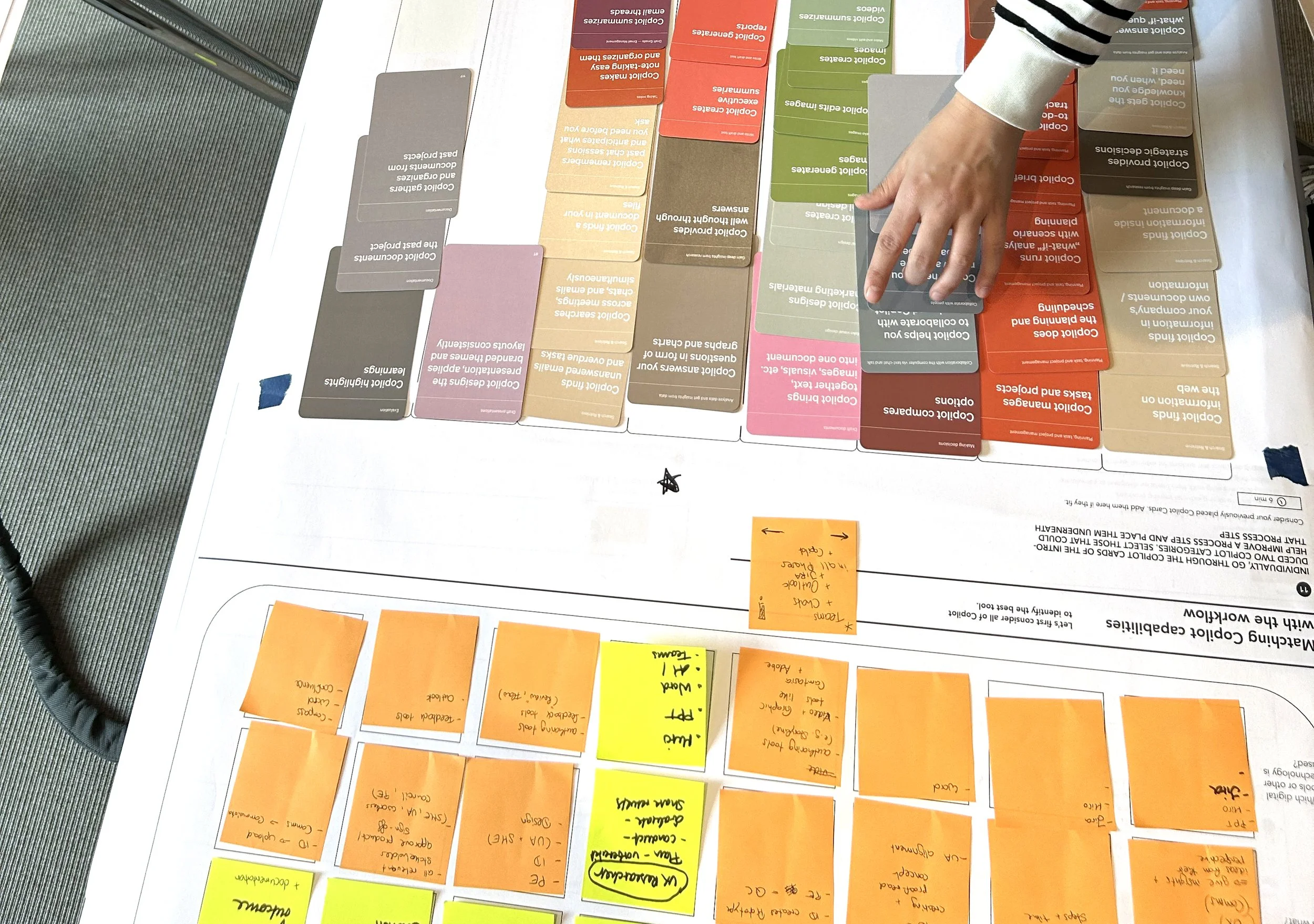
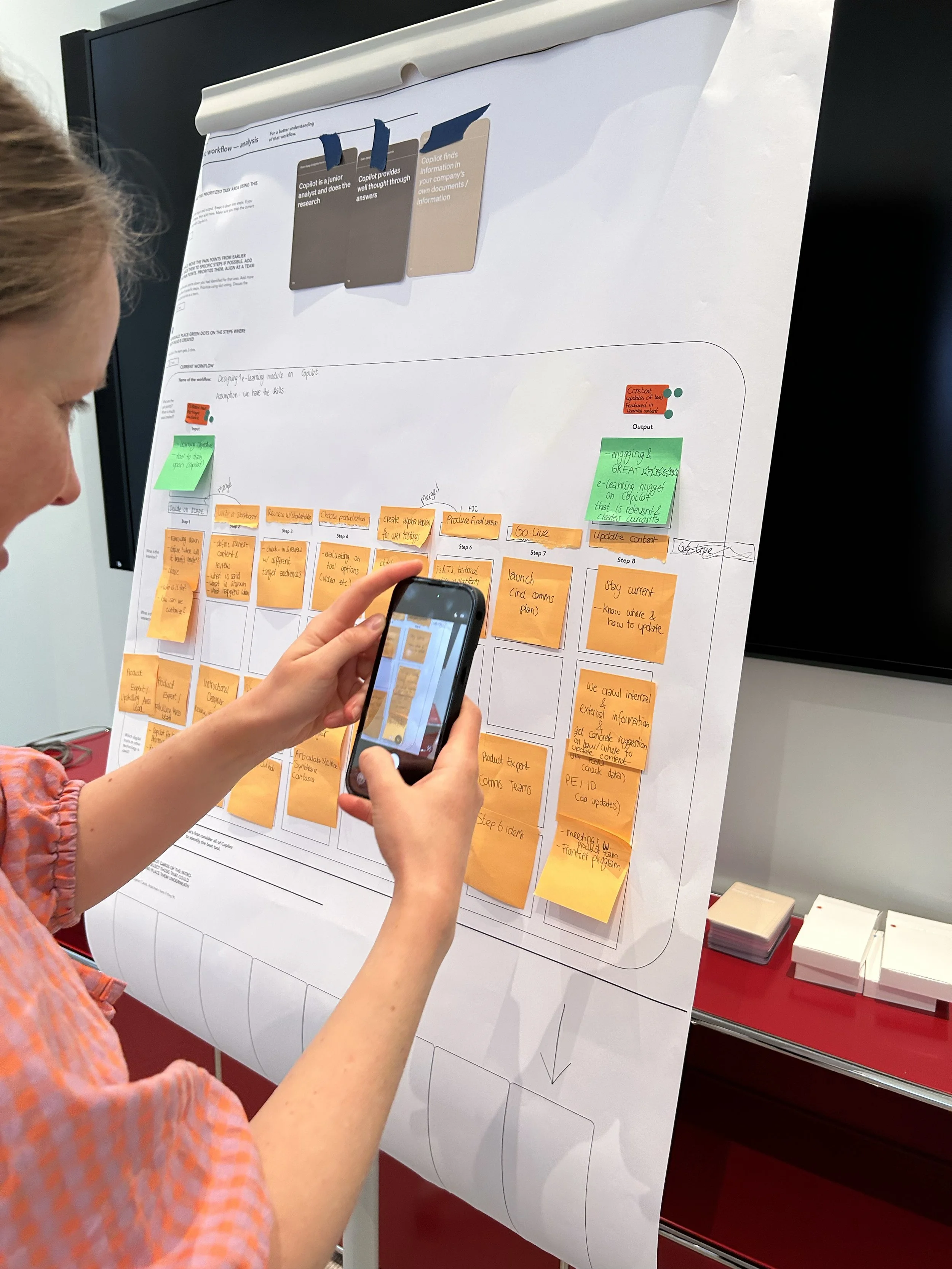
The Collaboration Board guides the group step by step — from their task map to the workflow, and from their workflow to their Copilot use case. It consists of 3–5 minute tasks with clear instructions and designated fields for placing selected Copilot Cards.
The board is designed to be non-technical and visual, so the group can work together without laptops. Each member contributes their own input and perspective, and the team aligns as they move forward — making decisions together at every step.
This gives the group a degree of independence from the facilitators. And when your internal teams take over facilitation, the Collaboration Board makes it easy — the structure is already there, guiding every step.
Duration 1 day onsite (9:00–17:00), followed by 4 monthly online Follow-up sessions of 1 hour each.
Participants Up to 15 participants per AI Design Sprint®: Copilot session. The sessions are organized by peoples role and experience with Copilot.
Format Delivered onsite by 3 facilitators from 33A, the Follow-ups are online. After you take over you will also take over the Follow-ups.
Language Delivered in English or German by 33A facilitators. When your internal team takes over, we support them with materials in their preferred language.
Prerequisites Participants bring their own laptop. No Copilot Pro license required.
Scaling Internal teams trained to deliver independently. Training: 2 days. Half-Annual Refresher, keeps internal facilitators current as Copilot evolves, run by 33A.
Practicalities
Materials Copilot Cards, Collaboration Board, preparation template, slides, trainer guide — in English & German. After you take over we support you with materials in a language you like to deliver the AI Design Sprint®: Copilot.
Pilot A dedicated pilot designed to let you experience the full AI Design Sprint®: Copilot methodology with a first cohort, before committing to a wider rollout.
The pilot includes one full day onsite with three trainers, up to 15 participants, and four monthly remote check-ins to ensure the behaviour change sticks.
Currently available across the DACH & Nordics region — with global expansion planned.
Scale pricing An annual flat fee. Contact us for a tailored quote.
Methodology Based on the proven AI Design Sprint® framework.
Facilitators / Trainer

Michael Brandt
CEO, Co-founder, Head of Product and Facilitation

Mohammed Brückner
Former Senior Strategic Account Technologist, Microsoft

Hannes Schwede
or other facilitators/trainer from the 33A team
Built to scale
Training your team to run it
Training takes place over 2 days. On the first day your team experiences the AI Design Sprint®: Copilot as participants — seeing the full session unfold from the inside. On the second day they step into the facilitator role, leading parts of the session themselves.
Every participant receives the AI Design Sprint®: Copilot Facilitator certificate, along with the Copilot Cards, Collaboration Board, slides and Facilitator Guide needed to run sessions.
How to get started
Run a pilot with one of your teams. See the methodology in action, measure the results firsthand — then scale with confidence.
What others are saying
“A fun and inspiring way of finding out the ‘What's in it for me’ about Copilot M365!”
Josef Wixenius, AI Coordinator Sweden, Local IT service owner — Digital Workplace, E.ON
“The shift from 'train on everything' to 'master one thing that matters' is the right call.”
Raman Nasirizadeh, Full-Stack Developer